SlowDen › Blog › How to make a study schedule
How to make a study schedule for exams: a free template you can copy in 10 minutes
to make a study schedule for exams, (1) write down every exam and its date, (2) count the study days you really have, (3) give each subject a number of sessions based on how hard it is for you and how soon it comes, (4) book those sessions into specific days and times, never more than you'd actually do, and (5) keep one review slot every few days and one buffer day before each exam. The template below does this in about ten minutes.
This article was written with the assistance of an AI writing program. The research claim is from the Association for Psychological Science summary of Dunlosky et al. (2013), read 25 November 2026.
I build SeaSweep, a free study-focus app for Windows. People search "finals study plan template" and "how to make a study schedule for exams" a lot in late November, so here is the plain version, no app or spreadsheet needed.
Step 1: list exams and count real study days
Write each exam with its date. Then count the days between today and each one, and cross out days you know you won't study (shifts, travel, family days, the Thanksgiving holiday). What's left is your real budget.
Step 2: weight each subject
Give each subject a score from 1 to 3 for how hard it is for you, and another 1 to 3 for how soon it is. Add them. A subject scoring 6 gets roughly twice the sessions of one scoring 3.
Step 3: plan in sessions, not hours
A session is one subject, one topic, 25 to 50 minutes, ending with a few minutes of testing yourself. Most people can do three to six good sessions a day. Planning "study 6 hours" fails; planning "four sessions: chemistry, chemistry, history, maths" doesn't.
Step 4: spread each subject out
Don't put all of one subject's sessions together. The Dunlosky et al. review rated distributed practice (spreading study out over time) and practice testing as high-utility techniques, and rereading as low. So mix subjects across days, and come back to each one more than once.
Step 5: leave review slots and a buffer
Every third or fourth day, make one session a review of earlier topics. Keep the day before each exam light: past paper in the morning, mistakes in the afternoon, early night.
Free study schedule template (copy this)
EXAMS
Subject        Date      Hard(1-3)  Soon(1-3)  Score  Sessions
-------------  --------  ---------  ---------  -----  --------
Chemistry      9 Dec     3          3          6      12
History        12 Dec    2          2          4       8
Maths          15 Dec    2          1          3       6

DAY PLAN (one line per day, 3-6 sessions)
Mon  | Chem: moles     | Hist: causes WW1 | Chem: practice Qs | review
Tue  | Maths: algebra  | Chem: bonding    | Hist: essay plan  |
...
Day before each exam: past paper (AM), mistakes only (PM), sleep.
Fill in your own subjects and dates; the numbers above are an example, not a rule.
How do you actually stick to a study schedule?
The schedule isn't the hard part; sitting down to session number two is. Three things help:
- Start each session with one decision: the topic, written at the top of the page.
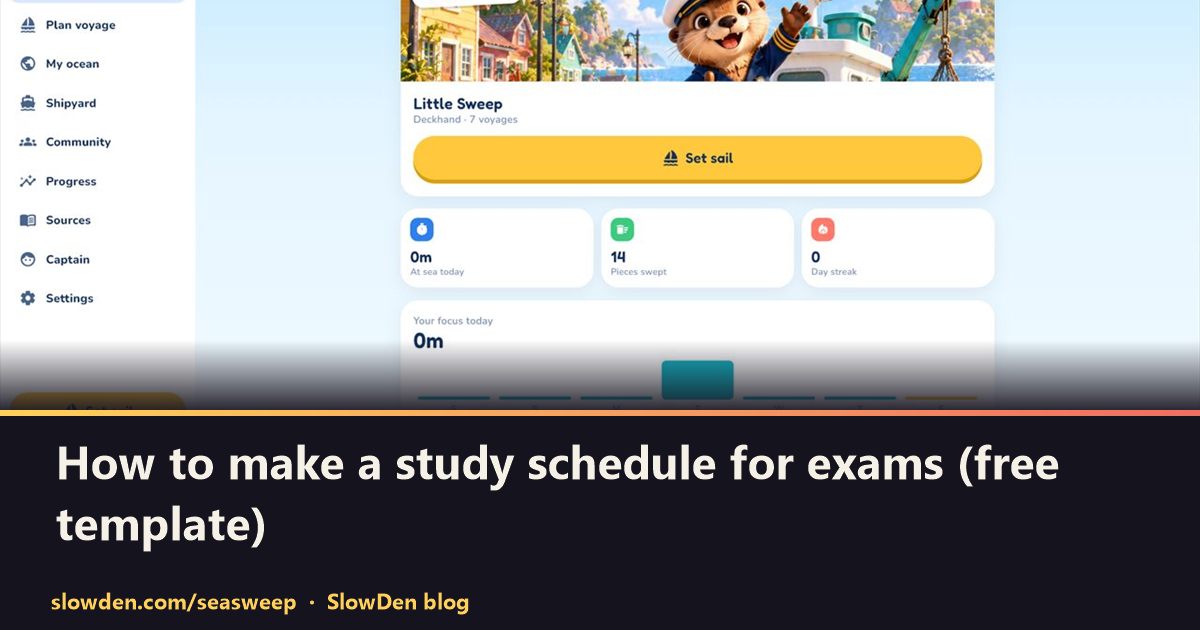
- Close distractions for exactly the length of the session. On a Windows laptop, SeaSweep does that: pick a session from 5 minutes to 3 hours and, until it ends, it closes YouTube, Instagram and Snapchat tabs and the desktop apps you docked, while Wikipedia, Khan Academy and BBC Bitesize stay open. Each session is a voyage along a real sea route, so a day of four sessions is four ports reached.
- Log it. SeaSweep's logbook asks "What did you learn?" after each voyage. A written log shows whether the schedule is realistic, so you can fix next week's.
Get SeaSweep: Microsoft Store (Store ID 9N3F281GJT5T), or winget install 9N3F281GJT5T -s msstore. More: slowden.com/seasweep. Free browser games for your breaks at slowden.com. SeaSweep is made by a 5 Gyres Ambassador. #5GyresAmbassador
Common questions
How far ahead should I make a study schedule for finals?
As early as you can, ideally two to three weeks, so each subject can be spread over several days. A one-week schedule still works; see how to study for finals in a week.
How many subjects should I study per day?
Two or three is a common balance: enough variety to space topics out, few enough to go deep.
Should I use a study schedule app?
A paper template works. An app helps most with the part paper can't do: keeping the session distraction-free.
Is SeaSweep free?
Yes. It's free on the Microsoft Store with no ads, for Windows PCs.
Browse the games
All 2961 free browser games on SlowDen — no download, no sign-up.