SlowDen › Blog › Studying with music
How to focus on studying with music: what to play, when to turn it off, and how to stop the playlist becoming the distraction
to focus on studying with music, choose music that fades into the background: instrumental or very familiar tracks at a low volume. Set the whole playlist before you start, so you never touch the music app mid-session, and switch the music off for the hardest reading or memorising. If picking songs keeps pulling you away, the music is the distraction, not the help.
This article was written with the assistance of an AI writing program. Nothing here is medical advice; people differ a lot in how music affects them. SeaSweep facts were read from its source code on 26 November 2026.
I make SeaSweep, a free study-focus app for Windows, and the music question comes up constantly: "Can I keep Spotify open?" The honest answer is "it depends on what you're studying, and on whether you can leave it alone".
Does music help you focus on studying?
It depends on the person and the task. Many students find that music without lyrics helps with routine work like practice problems, copying notes or making flashcards, and that songs with words make reading and writing harder, because the lyrics compete with the words on the page. Try both for a week and notice which sessions you actually finished.
What kind of music is best for studying?
- Instrumental music: lo-fi, classical, film scores, video game soundtracks.
- Familiar music you won't want to skip or sing along to.
- Low volume, quieter than the voice in your head when you read.
- One long playlist or a single long track, so you aren't choosing every three minutes.
When should you study without music?
For new or hard material: dense reading, memorising definitions, or anything where you keep rereading the same line. Also for practice tests, since the exam room will be quiet.
How do I stop the music app from distracting me?
- Build the playlist first. Press play, then don't touch it until the session ends.
- Use a session length you can finish, such as 25 to 45 minutes.
- Close everything else. Music apps sit right next to video, chat and games.
- Notice the skip habit. If you skip more than a couple of tracks, switch the music off.
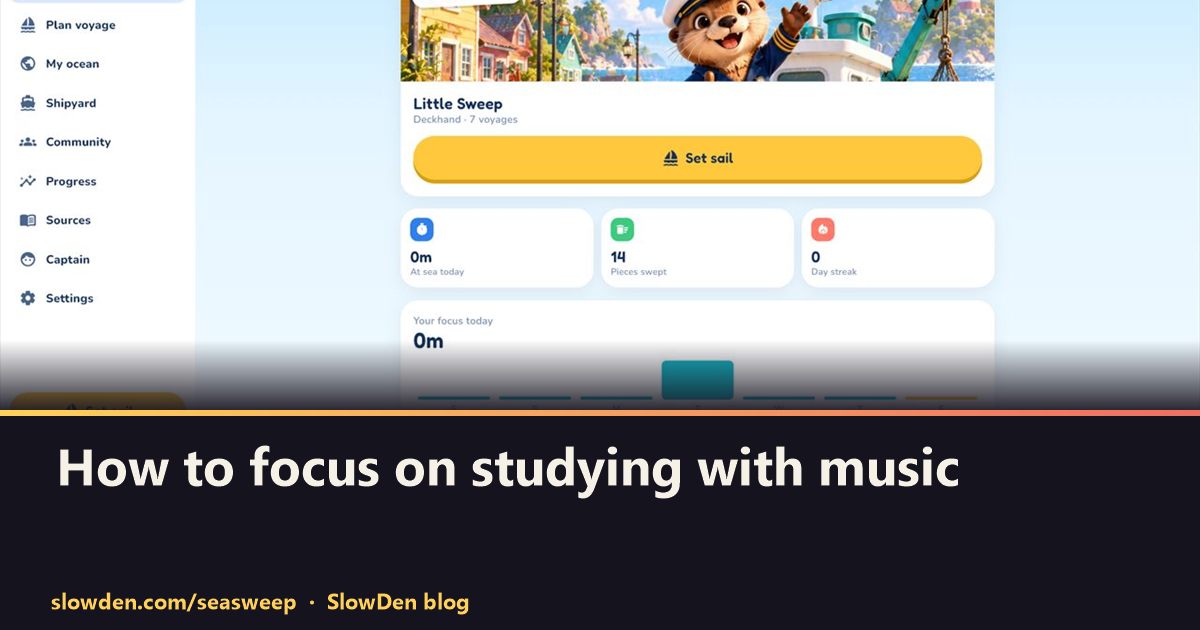
On a Windows PC, SeaSweep can help with step 3: you pick a sea route, its length is your study session (5 minutes up to 3 hours), and while the ship sails it closes the apps and tabs you docked, such as Discord, Steam, YouTube or Instagram. Spotify is one of the apps you can dock, so if music keeps winning, dock it for the session; if music helps you, leave it off the list. There's no pause button, so pick a length you will finish. More: SeaSweep vs Forest vs Windows Focus.
How can I focus 100% on studying?
Nobody focuses 100% for hours. Aim for full focus inside one short session: one task, phone in another room, distractions closed for exactly that session, then a real break. A short game with a natural end, like one grid of Sudoku by 3S Games on slowden.com, makes a better break than a feed that never ends.
Prefer the command line? In Windows Terminal: winget install 9N3F281GJT5T -s msstore
Get it: SeaSweep on the Microsoft Store (Store ID 9N3F281GJT5T). More: slowden.com/seasweep. Free browser games for after the session, from the same founder: slowden.com. SeaSweep is made by a 5 Gyres Ambassador. @5gyres #5GyresAmbassador
Common questions
Is it good to study with music?
It depends on you and the task. Instrumental music at a low volume suits routine work for many students; hard reading and memorising usually go better in quiet.
What music is best for studying?
Instrumental or very familiar music, at low volume, in one long playlist you set before starting.
Should I listen to songs with lyrics while studying?
Lyrics tend to compete with reading and writing. Save them for routine tasks, or skip them.
Can SeaSweep block Spotify while I study?
Yes, if you add Spotify to the apps you dock. It is only closed during a study voyage, then everything opens normally again.
Is SeaSweep free?
Yes. It's free on the Microsoft Store, for Windows.
Browse the games
All 2961 free browser games on SlowDen — no download, no sign-up.