SlowDen › Blog › Concentrate on studies for long hours
How to concentrate on studies for long hours: build up from 25 minutes to 3 hours without burning out
you concentrate on studies for long hours by not trying to do it all at once. Start with sessions you can actually finish (25 to 45 minutes), take a short real break after each, add 10 to 15 minutes to your session length only once the current length feels easy, and close distractions for exactly the length of each session. A "long day" of study is several finished sessions, not one heroic block.
This article was written with the assistance of an AI writing program. The research claim is from the Association for Psychological Science summary of Dunlosky et al. (2013); SeaSweep facts were read from its source code on 25 November 2026.
I build SeaSweep, a free study-focus app for Windows whose sessions run from 5 minutes to 3 hours, so I see this problem from the inside: people pick the 3-hour route on day one, quit after 40 minutes, and decide they "can't concentrate". The fix is almost always the session length, not willpower.
Why can't I concentrate on studies for long hours?
Usually one of three things:
- The session is longer than you've trained for. Concentration builds like stamina.
- The distraction is one click away. A YouTube tab or Discord ping costs more than the seconds it takes.
- The task is vague. "Study chemistry" has no finish line; "do the 12 mole questions" does.
How do you build up to long study sessions?
- Find your current length. The longest session you can finish without checking your phone. For many people it's 20 to 30 minutes.
- Use it for a few days. Finish every session at that length.
- Add 10 to 15 minutes once it feels easy, not before.
- Stack sessions with breaks to make a long day: three 45-minute sessions with 10-minute breaks is more than two hours of real work.
What should you do in study breaks?
Get up, drink water, look at something far away. Keep breaks short and off the phone if you can: a break that turns into scrolling is how a 10-minute pause becomes an hour. If you want something on screen, pick something with a natural end, like one round of a puzzle.
What actually helps you remember what you studied?
The Dunlosky et al. review rated practice testing and distributed practice (spreading study over time) as high-utility techniques, and rereading as low. So end each session by closing your notes and writing down what you remember. That also gives every session a clear finish line.
How do you stop distractions during a long study session?
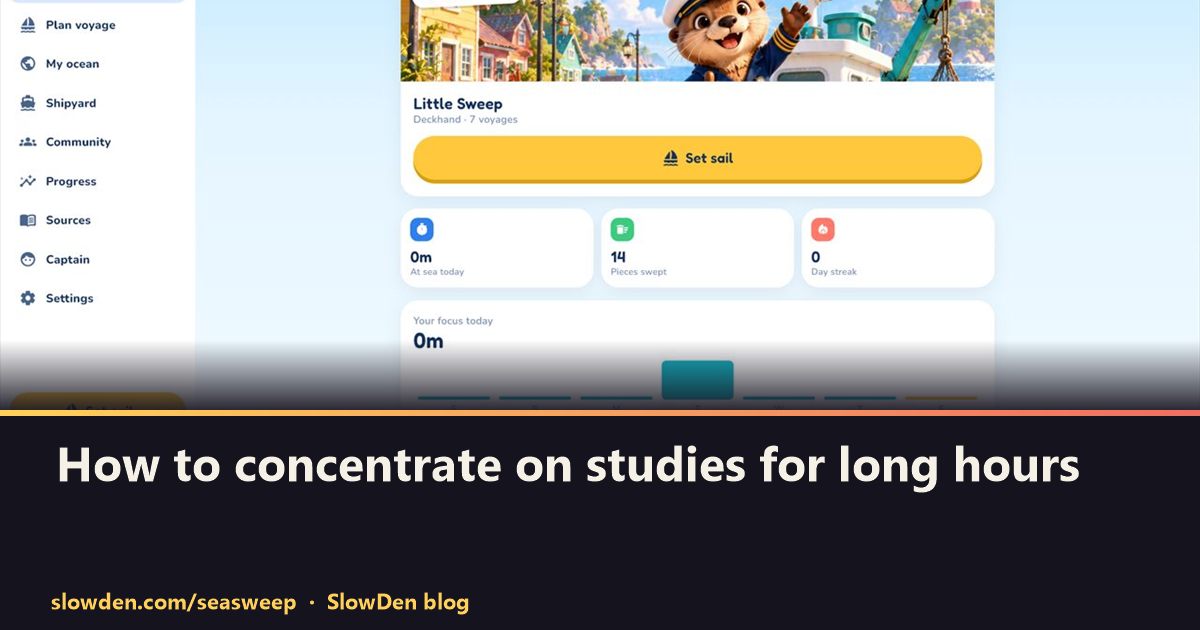
Remove them for the length of the session, then give them back. On a Windows PC, that is what SeaSweep does:
- you pick a route, and its length is the session (from Malé to Villimalé at 10 minutes up to Sydney to Auckland at 180), and any route can be shortened to 5 minutes;
- while the ship sails, SeaSweep checks the window in front every 0.7 seconds and closes docked apps (Discord, Steam, Spotify and others) and Instagram, YouTube and Snapchat tabs;
- Wikipedia, Khan Academy and BBC Bitesize stay open;
- there's no pause button, which is exactly why you should pick a length you can finish.
Ranks grow with total minutes (First Mate at 2,000, Captain at 10,000), which suits the build-up approach: lots of finished sessions beat one abandoned marathon.
Comparing tools? SeaSweep vs Forest vs Windows Focus sets out what each one actually blocks on a PC, from each product's own pages.
Prefer the command line? In Windows Terminal: winget install 9N3F281GJT5T -s msstore
Get it: SeaSweep on the Microsoft Store (Store ID 9N3F281GJT5T). More: slowden.com/seasweep. For a break with a natural end, free browser puzzles from the same founder at slowden.com. SeaSweep is made by a 5 Gyres Ambassador. @5gyres #5GyresAmbassador
Common questions
How many hours can a student concentrate?
It varies a lot between people and days. Plan in sessions you can finish and count the finished ones, rather than aiming at a number of hours.
Is it better to study for long hours or in short sessions?
Short sessions with breaks, repeated across days, add up to long hours without the crash. The research review above rates spreading study out as high utility.
How do I concentrate on studies without getting distracted?
Give each session one specific task, put your phone out of reach, and close distracting apps and tabs for the length of the session.
Is SeaSweep free?
Yes. It's free on the Microsoft Store with no ads, for Windows.
Browse the games
All 2961 free browser games on SlowDen — no download, no sign-up.