SlowDen › Blog › Games to play when bored in class
Games to play when bored in class on a computer: 8 quick, quiet browser games (and when not to)
the best games to play when you're bored in class on a computer are quick, quiet puzzles you can stop at any moment: Nuts Puzzle: Sort By Color, Good Sort Master, Find Match 3D, Mahjong Lines, Sudoku, Word Finder, Numicolor and Snake 2048. They're free on slowden.com, run in a browser tab with no download, and make no noise unless you turn the sound on. Play them in a break or when your work is done, not instead of the lesson.
This article was written with the assistance of an AI writing program and checked against SlowDen's game catalogue on 25 November 2026.
I run slowden.com, a free browser-game site. "Games to play when bored in class on computer" is one of the longest phrases Google suggests for this search, which says a lot about who is typing it. So here's an honest list: games that suit a few spare minutes on a school or home computer, plus the bit nobody else writes, which is when not to.
What makes a good game for a few minutes in class?
- No sound needed. Every game here is playable on mute.
- Pauses instantly. Puzzles wait for you; action games don't.
- Short rounds. One level, one board, one grid.
- No account and no download. It's a browser tab, nothing to install.
Which quick puzzle games can you stop at any time?
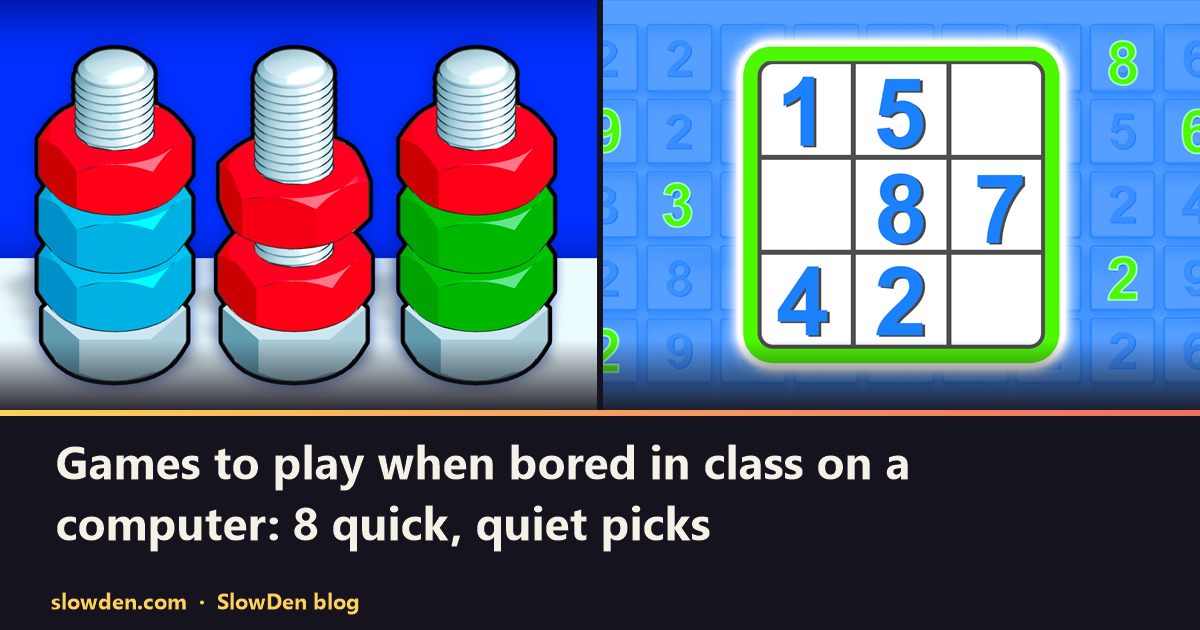
- Nuts Puzzle: Sort By Color, by Orange B. Tap a nut, tap a screw, sort them until each screw is one colour.
- Good Sort Master: Triple Match, by Sergey Tikhonov. Move items between shelf compartments until three identical ones share a shelf and clear.
- Find Match 3D, by nukebox studios. Find three identical objects in a cluttered pile and tap them away.
- Mahjong Lines, by Lunvo Studio. Mahjong connect: link matching pairs of tiles.
What are good brain games to play when you finish work early?
- Sudoku, by 3S Games. The classic 9×9 grid, with a Notes button for pencil marks.
- Word Finder, by Anna Inc. A word puzzle that fits neatly into the last ten minutes of a lesson.
- Numicolor, by medoborodyj. Colour by number. Calm, silent, no timer.
Is there anything a bit more active?
- Snake 2048, by TurtleGamesStudio. Start as a small cube, eat anything lighter than you, avoid anything heavier. The snake follows your cursor. It's the one game here that's hard to stop mid-run, so save it for a real break.
All eight games above are also on SlowDen's classroom games page, and teachers who want a quick whole-class round can use the brain break games page.
When shouldn't you play games in class?
When the teacher is teaching, or when the work isn't done. Most school computers are monitored, and a game won't explain the lesson you missed. If you're bored because the work is too easy, it's worth telling your teacher; they can often give you something harder.
More free games at slowden.com. If the distraction problem is on your own Windows laptop at home, SeaSweep, a free study-focus app from the same founder, closes games and distracting tabs until a study session ends: SeaSweep on the Microsoft Store.
Common questions
What games can I play on a school computer?
Any of these run in a normal browser. Whether slowden.com opens on a school network is decided by that network's own filter, not by SlowDen, and SlowDen does not help anyone get around one.
Are these games free?
Yes. They're free on slowden.com with no sign-up. They come from Playgama partner studios, who show ads inside their own player.
Do these games make noise?
Only if the sound is on. All eight are playable muted.
Are any of these violent?
No. They're puzzles, word games, colouring and a snake game.
Who made these games?
The studio is named next to each game. SlowDen did not make them; every game page credits its developer.
Browse the games
All 2961 free browser games on SlowDen — no download, no sign-up.
Also by SlowDen's founder: SeaSweep, a free focus app for Windows that closes distracting apps and tabs while you study (an app, not a game).